Free Shipping
 Extra Savings


How to Make Canvas Prints
Listen to Content
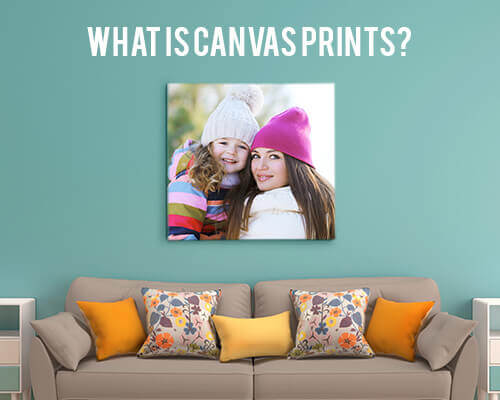
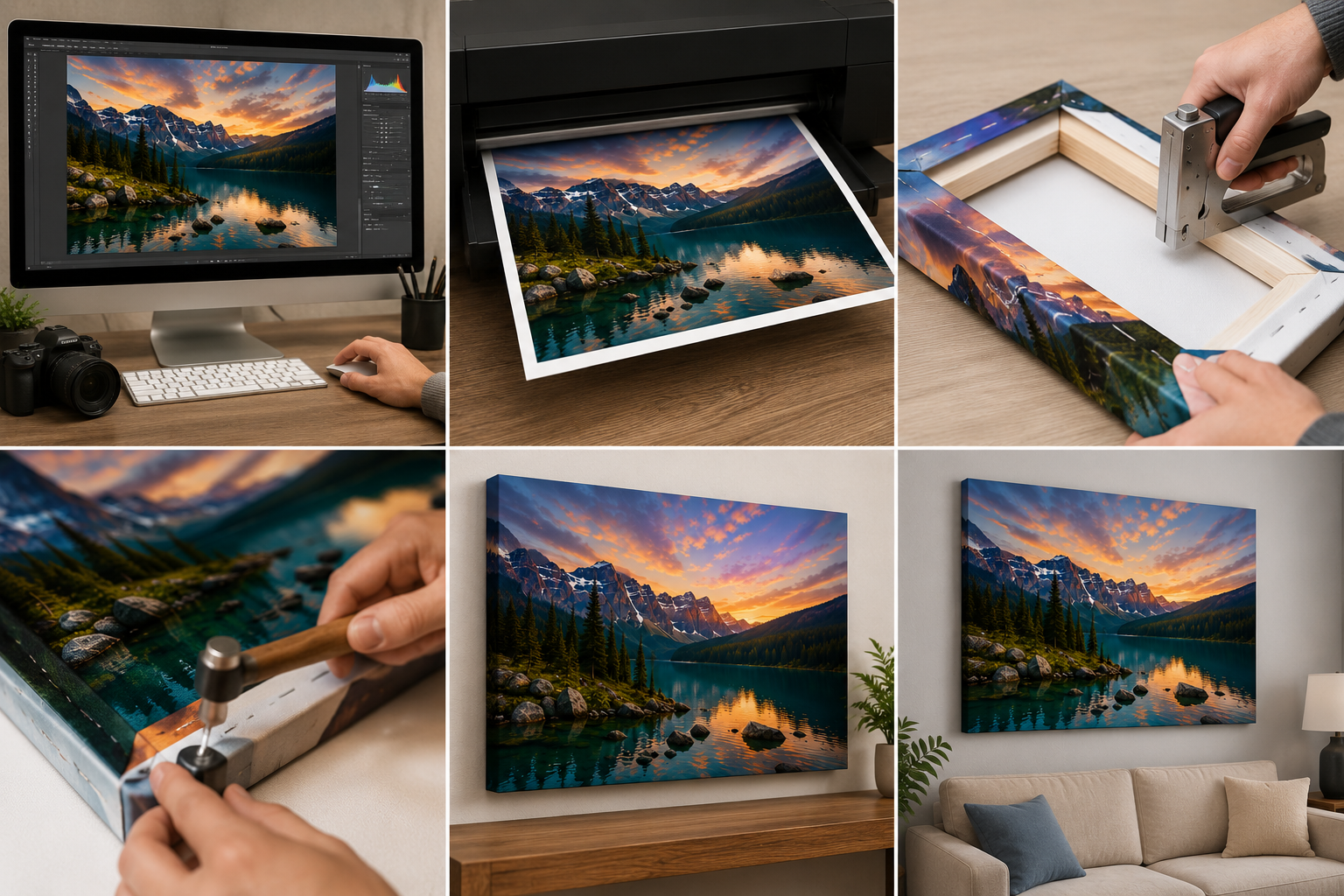
A blank wall becomes something personal when you hang art that actually means something to you. Learning how to make canvas prints at home transforms your favorite photographs into gallery-worthy pieces without the premium price tag. The process combines digital preparation, careful material selection, and hands-on assembly skills that anyone can master with the right guidance.
Professional-looking results depend on understanding each stage of production, from file preparation through final display. Whether you're creating a single statement piece or building a collection for your entire home, the techniques remain consistent. The satisfaction of hanging artwork you've crafted yourself adds another layer of meaning to images that already hold emotional significance. This guide walks through every step required to produce canvas prints that rival commercial quality.
Preparing Your Digital Files for Print
The foundation of any great canvas print starts long before ink touches fabric. Digital file preparation determines whether your finished piece looks crisp and vibrant or muddy and pixelated.
Choosing High-Resolution Images
Print quality depends entirely on pixel count. For canvas prints, aim for a minimum of 150 DPI at your intended print size, though 300 DPI produces noticeably sharper results. A photograph that looks stunning on your phone screen may contain only enough data for a 4x6 print.
Calculate your maximum print size by dividing your image's pixel dimensions by your target DPI. A 3000×4000-pixel image at 150 DPI yields a 20×26-inch print. Smartphone cameras now capture sufficient resolution for medium-sized prints, but enlargements beyond 16x20 inches typically require dedicated camera equipment.
Adjusting Color Profiles and Brightness
Monitors display colors differently from how printers reproduce them. Convert your images to an sRGB color profile before printing, as most consumer and professional printing services, including those producing canvas prints, use sRGB for consistent color output. CMYK conversion is typically handled automatically by the printer’s software and is not necessary for most at-home or online printing workflows. Increase brightness by 10-15% since canvas fabric absorbs more light than glossy photo paper.
Saturation adjustments help compensate for the matte finish of canvas material. Boost vibrant colors slightly to ensure they pop after printing. Test prints on standard paper help identify necessary corrections before committing to expensive canvas stock.
Understanding Bleed and Wrap Margins
Gallery-wrapped canvas prints fold around the stretcher bars, hiding 1.5 to 2 inches of image on each edge. Design your layout with this wrap area in mind, keeping critical elements like faces and text within the safe zone.
Add bleed margins of at least 0.25 inches beyond your final dimensions to prevent white edges from showing. Many print applications include templates that display safe zones and wrap areas, eliminating guesswork from the layout process.
Selecting the Right Materials and Tools
Material choices affect both the appearance and longevity of your finished artwork. Quality components cost more upfront but produce results that last for decades.
Types of Canvas: Cotton vs. Polyester
Cotton canvas offers a traditional fine art texture with visible weave patterns that add depth to images. The natural fibers accept ink well and age gracefully. Artists and photographers typically prefer cotton for its authentic gallery appearance.
Polyester canvas produces smoother surfaces with more consistent ink absorption. Colors appear more vivid on synthetic material, and the fabric resists moisture damage better than cotton. Polyester costs less and works well for photographs where texture might distract from image detail.
Stretcher Bar Thickness Options
Standard stretcher bars are 0.75 inches deep and suitable for smaller prints up to 16x20 inches. This profile sits close to the wall and works in tight spaces or grouped arrangements.
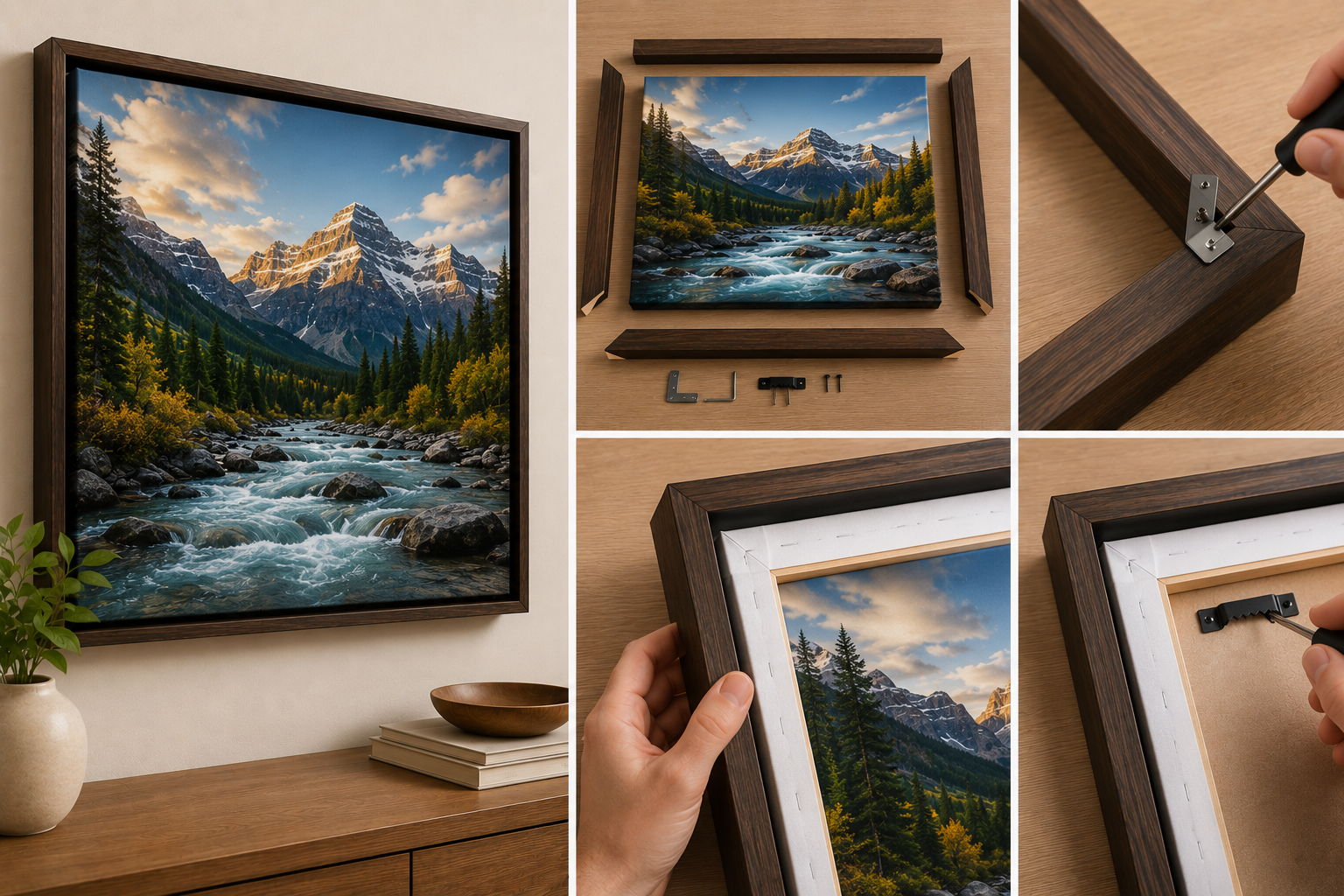
Gallery-depth bars at 1.5 inches create dramatic shadow lines and substantial presence. Large prints benefit from the structural rigidity of thicker frames. Some artists prefer 2-inch bars for maximum visual impact, though these require more wall clearance. Read more about How to Stretch Canvas Prints onto a Frame.
Essential Assembly Tools
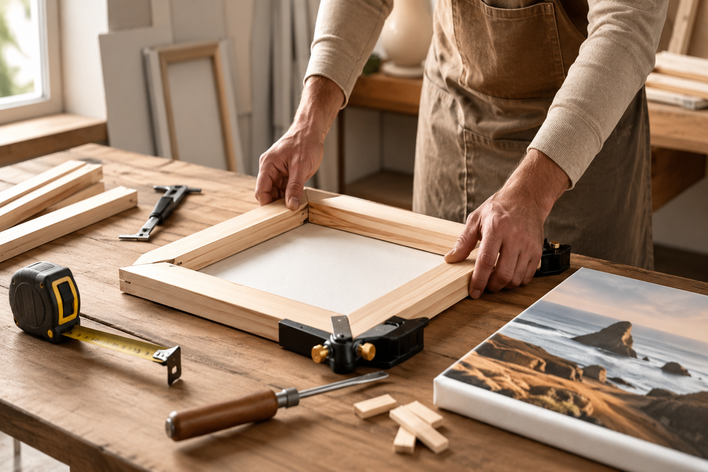
Gather these items before starting your project: a heavy-duty staple gun with 3/8-inch staples, canvas pliers for grip and tension, a rubber mallet for frame assembly, and scissors or a rotary cutter for trimming. A flat, clean work surface larger than your print prevents damage during stretching.
The Printing and Coating Process
Transferring your digital image onto canvas requires appropriate equipment and protective finishing.
Inkjet vs. Giclée Printing Methods
Standard inkjet printers using pigment-based inks produce acceptable results for personal projects. Ensure your printer handles canvas media and adjust settings for heavy matte paper.
Giclée printing uses specialized wide-format inkjet printers equipped with archival pigment inks that can last for decades, typically 80 to 100 years, under controlled display conditions. Claims exceeding this range are not supported by current conservation testing. Professional print services like CanvasChamp offer giclée-quality prints at accessible prices, eliminating the need to purchase expensive equipment.
Applying Protective UV Varnish
Uncoated canvas prints can begin to fade after several years of continuous exposure to direct sunlight, depending on the ink type and light conditions. Applying a UV-protective varnish helps extend their lifespan and enhances color depth. Apply spray varnish in thin, even coats, allowing it to dry completely between applications.
Brush-on varnishes offer more control but risk leaving stroke marks. Work in well-ventilated areas and apply three to four light coats rather than one heavy application.
How to Stretch and Frame Your Canvas
The stretching process transforms a flat print into finished wall art. Patience during this stage ensures professional-looking results.
Aligning the Print on the Frame
Place your canvas face down on a clean surface with the stretcher frame centered on top. Verify equal margins on all sides before securing anything. Misalignment becomes permanent once stapling begins.
Check that frame corners form perfect 90-degree angles. Warped or twisted frames create visible problems in the finished piece.
Folding Hospital Corners for a Clean Look
Hospital corners create neat, flat folds at frame corners without bulky fabric bunches. Pull the canvas tightly over one side and staple the center. Move to the opposite side, pulling firmly to create even tension.
At corners, fold the excess fabric like wrapping a gift, tucking one flap under the other before stapling flat. This technique produces the clean corner appearance seen in professional gallery pieces.
Securing with Staple Guns
Start at the center of each side, working outward toward the corners. Place staples every two inches, maintaining consistent tension throughout. Canvas pliers help grip the fabric as you pull it taut over the frame edge.
Check the front surface frequently for wrinkles or waves. Minor adjustments remain possible by removing and repositioning staples before the canvas fully conforms to the frame.
Before you start, review our list of Common Mistakes to Avoid When Making Canvas Prints so you get it right the first time.
Frequently Asked Questions
What image resolution do I need for a large canvas print?
For prints larger than 24 inches, aim for at least 150 DPI at your target size. A 24x36-inch print requires a minimum of approximately 3600x5400 pixels for acceptable quality.
How long do canvas prints last?
Properly coated canvas prints made with archival pigment inks can last 80–100 years when displayed under indoor lighting and away from direct sunlight. Unprotected prints may show fading after several years, depending on environmental exposure.
Can I make canvas prints from phone photos?
Modern smartphones capture sufficient resolution for prints up to approximately 16x20 inches. Larger sizes may appear softer or pixelated depending on your device's camera specifications.
What's the difference between stretched and rolled canvas?
Stretched canvas arrives ready to hang on a wooden frame. Rolled canvas ships flat and requires separate stretching, offering cost savings for those with framing experience.
Should I use glossy or matte varnish?
Matte varnish maintains the traditional canvas appearance and reduces glare. Glossy finishes intensify colors but may create reflections in brightly lit rooms.
Ready to create stunning wall art from your favorite photographs? Explore canvas prints at CanvasChamp for premium quality, backed by their Lowest Price Guarantee, making personalized artwork accessible to every budget.
Displaying and Caring for Your Finished Art
Proper placement and maintenance protect your investment for years. Avoid hanging canvas prints in direct sunlight or high-humidity areas like bathrooms. Dust surfaces gently with a soft, dry cloth every few months.
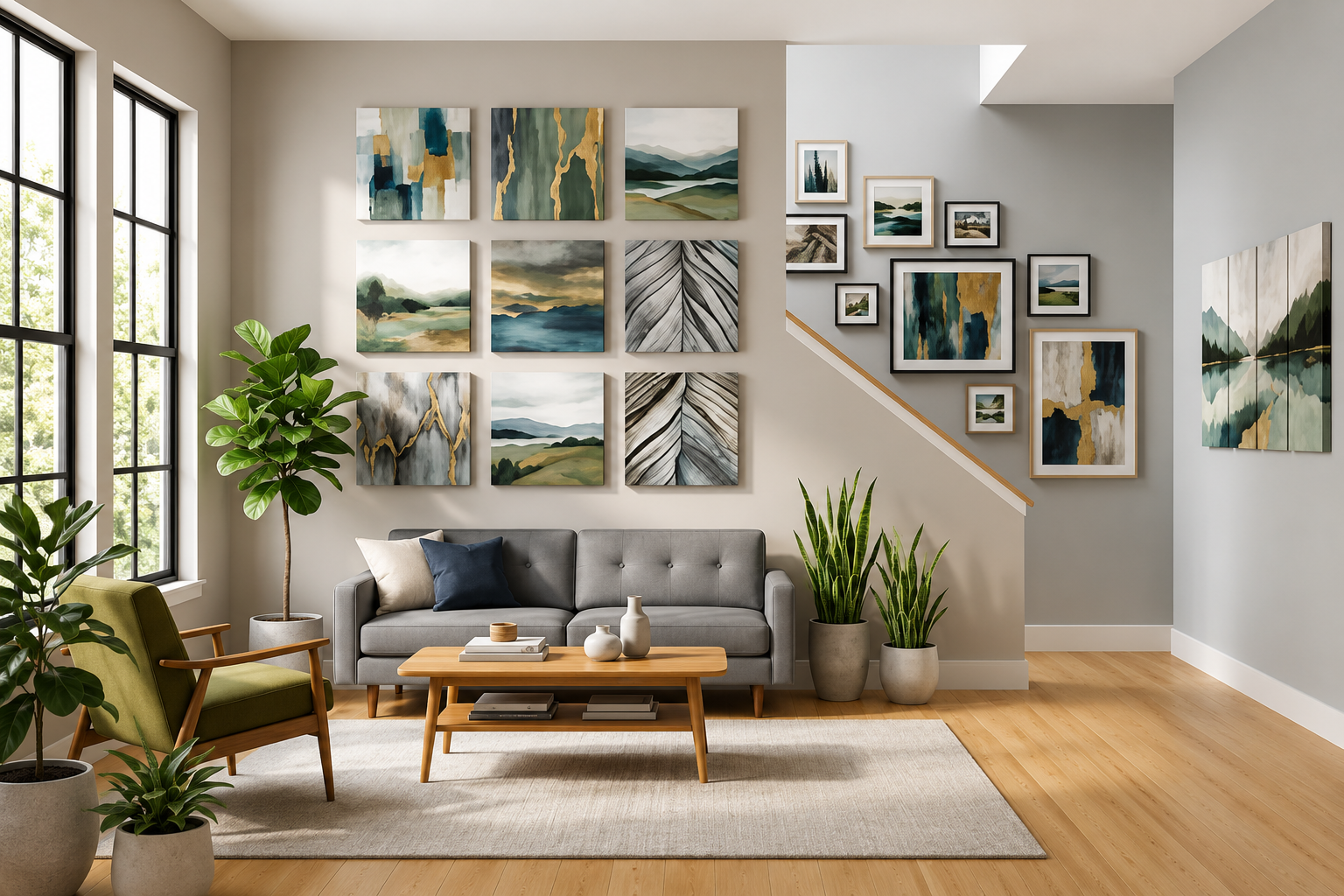
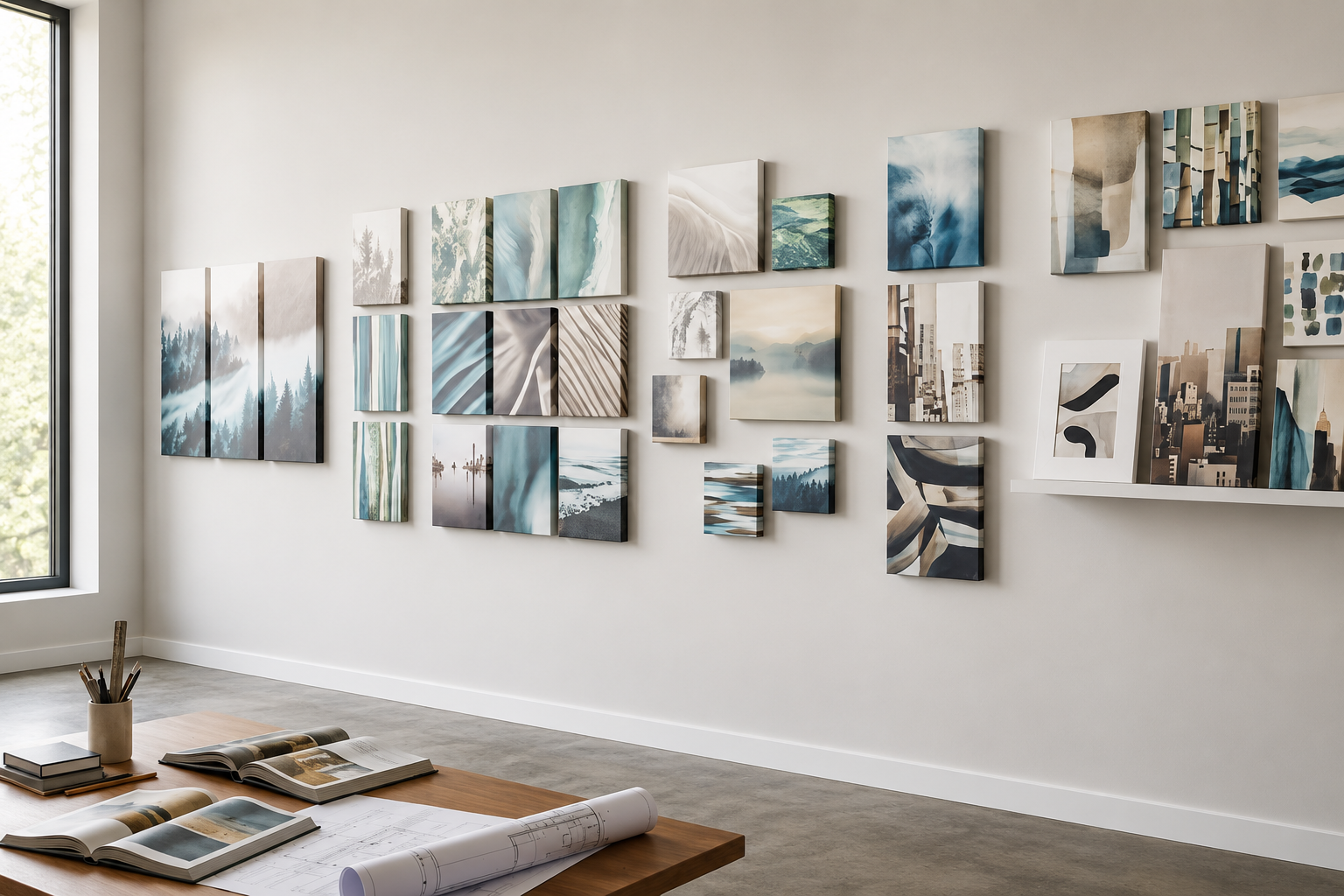
Wall placement affects visual impact significantly. Large prints need breathing room, while grouped arrangements benefit from consistent spacing of two to three inches between pieces. Consider lighting angles that enhance colors without creating glare.
For those who prefer professional results without the DIY process, CanvasChamp offers custom canvas prints with premium materials and expert craftsmanship at competitive prices.