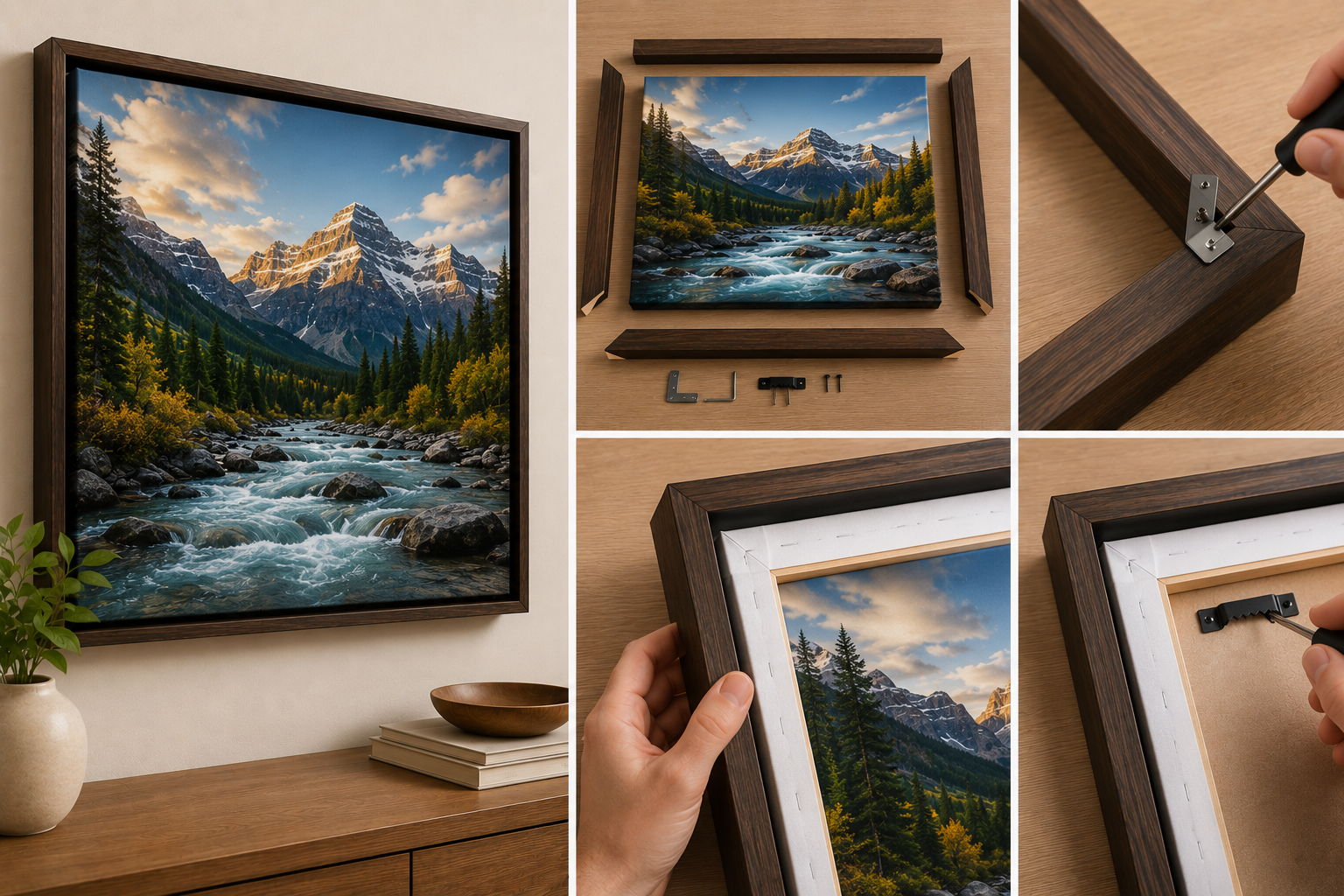
Free Shipping
 Extra Savings


Common Mistakes to Avoid When Making Canvas Prints
Listen to Content
A stunning photograph deserves more than a dusty hard drive. Transforming your best images into canvas prints creates lasting art that brings warmth and personality to any space. Yet the journey from digital file to wall-worthy masterpiece is riddled with potential pitfalls that can turn an exciting project into a disappointing result.
The difference between a canvas print that captivates visitors and one that looks amateurish often comes down to avoidable errors. From uploading the wrong file resolution to hanging your finished piece in direct sunlight, these missteps happen constantly, even among experienced photographers. Understanding the common mistakes to avoid when ordering canvas prints saves you money, frustration, and the disappointment of receiving a product that doesn't match your vision.
Whether you're creating a family portrait gallery or printing landscape photography, the technical and aesthetic decisions you make during the ordering process determine the final outcome. Let's examine where things typically go wrong and how to ensure your canvas prints turn out exactly as intended.
Image Quality and Resolution Pitfalls
The foundation of any great canvas print starts with the source file. Technical specifications matter enormously when your image gets stretched across a large-format surface.
Using Low-Resolution Files for Large Formats
Printing a 24x36-inch canvas from a smartphone snapshot rarely ends well. The math is straightforward: canvas printing requires approximately 150–300 pixels per inch at the final size for sharp results. That means a 24x36 print needs a minimum image resolution of 3600x5400 pixels, roughly 19.4 megapixels.
Social media downloads, compressed email attachments, and heavily cropped images lack the pixel density for large-format printing. Always use original files directly from your camera or phone. When ordering from CanvasChamp, the upload tool indicates whether your image meets resolution requirements for your selected size.
Ignoring Aspect Ratio and Cropping Issues
Your photo's aspect ratio rarely matches standard canvas dimensions perfectly. A typical DSLR captures images at 3:2, while most smartphones shoot at 4:3. Standard canvas sizes like 16x20 or 11x14 have their own proportions.
The mismatch means something gets cropped. Failing to preview exactly what gets trimmed often results in cut-off heads, missing subjects, or awkward compositions. Always check the cropping preview carefully before confirming your order.
Overlooking Poor Lighting and Exposure in Photos
Underexposed images become muddy when printed large. Overexposed photos lose detail in highlights that looked acceptable on screen. Canvas printing amplifies these flaws because the texture and scale reveal problems invisible on a monitor.
Examine your image at 100% zoom before ordering. Check shadow areas for noise and bright regions for blown-out detail. Minor exposure corrections in basic editing software can dramatically improve print quality.
Composition and Layout Errors
Technical quality means nothing if your composition falls apart during printing. The physical nature of canvas introduces considerations that don't apply to screen viewing.
Placing Essential Details Too Close to the Edge
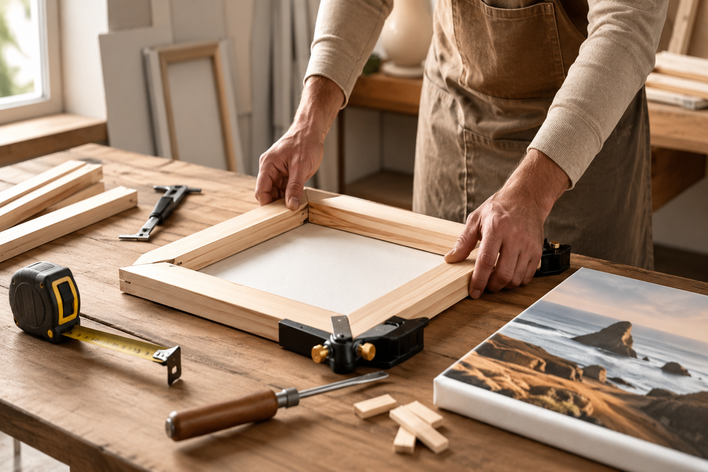
Canvas prints wrap around wooden stretcher bars, consuming roughly 1.5 inches on each side for a standard gallery wrap. Important elements positioned near the frame edges, such as faces, text, or key subjects, disappear at the sides.
Keep critical content within the safe zone, at least 2 inches from any edge. This buffer ensures nothing essential gets lost in the wrap. Some printing services offer mirror wrap or solid-color edges as alternatives, but planning your composition with wrap depth in mind yields the best results.
Miscalculating the Wrap Depth and Style
Standard wraps typically measure 0.75 or 1.5 inches deep. The deeper option creates a more substantial, gallery-quality appearance but consumes more of your image. Thin wraps work better for detailed photographs where every pixel counts.
Consider how the wrapped edges will look. Busy backgrounds often produce distracting side panels. Simple, uncluttered edge areas wrap cleanly without visual confusion.
Neglecting the Impact of Color Calibration
Your monitor likely displays colors differently from how the printed canvas will show them. Most consumer screens are too bright and oversaturated compared to print output.
Professional results require either calibrating your monitor or accepting that what you see isn't exactly what you'll get. Printed canvases typically appear slightly less vibrant than screen previews. Adjusting brightness and color balance using a calibrated monitor or color profile designed for print ensures greater accuracy on most images.
Material and Finish Selection Blunders
Canvas itself comes in varieties, and the coating applied afterward affects both appearance and longevity. Matching materials to your subject matter makes a significant difference.
Choosing the Wrong Canvas Texture for the Subject
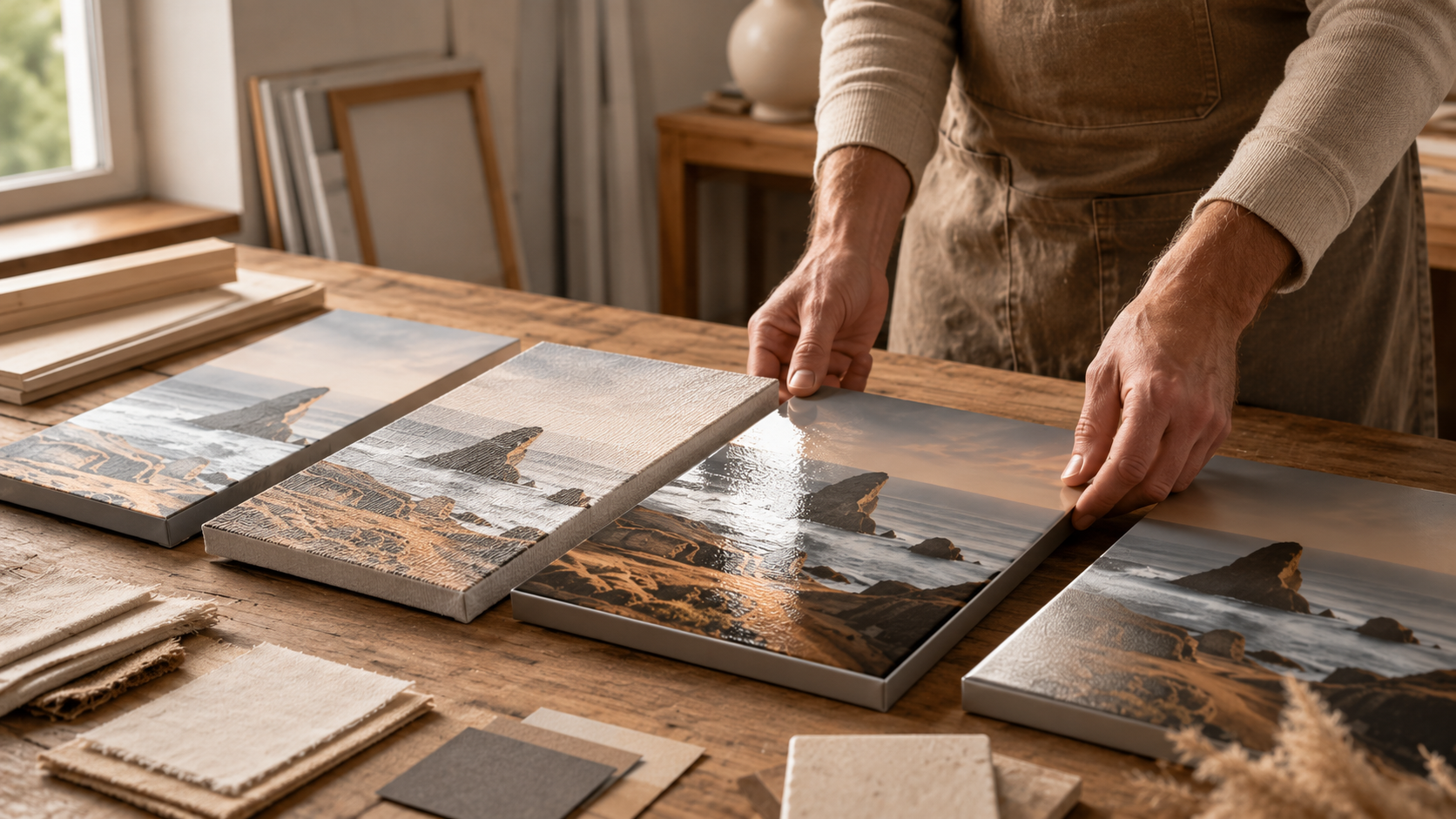
The canvas weave texture interacts with the image content. Heavy textures complement painterly subjects, landscapes, and artistic photographs. Fine-weave canvas suits detailed work, portraits with skin texture, and images where you want maximum sharpness.
Printing a detailed architectural photograph on heavily textured canvas obscures fine lines and small details. Conversely, an impressionistic landscape on ultra-smooth canvas may look flat and lifeless. Match the material to your content's character.
Selecting Inappropriate Matte or Glossy Coatings
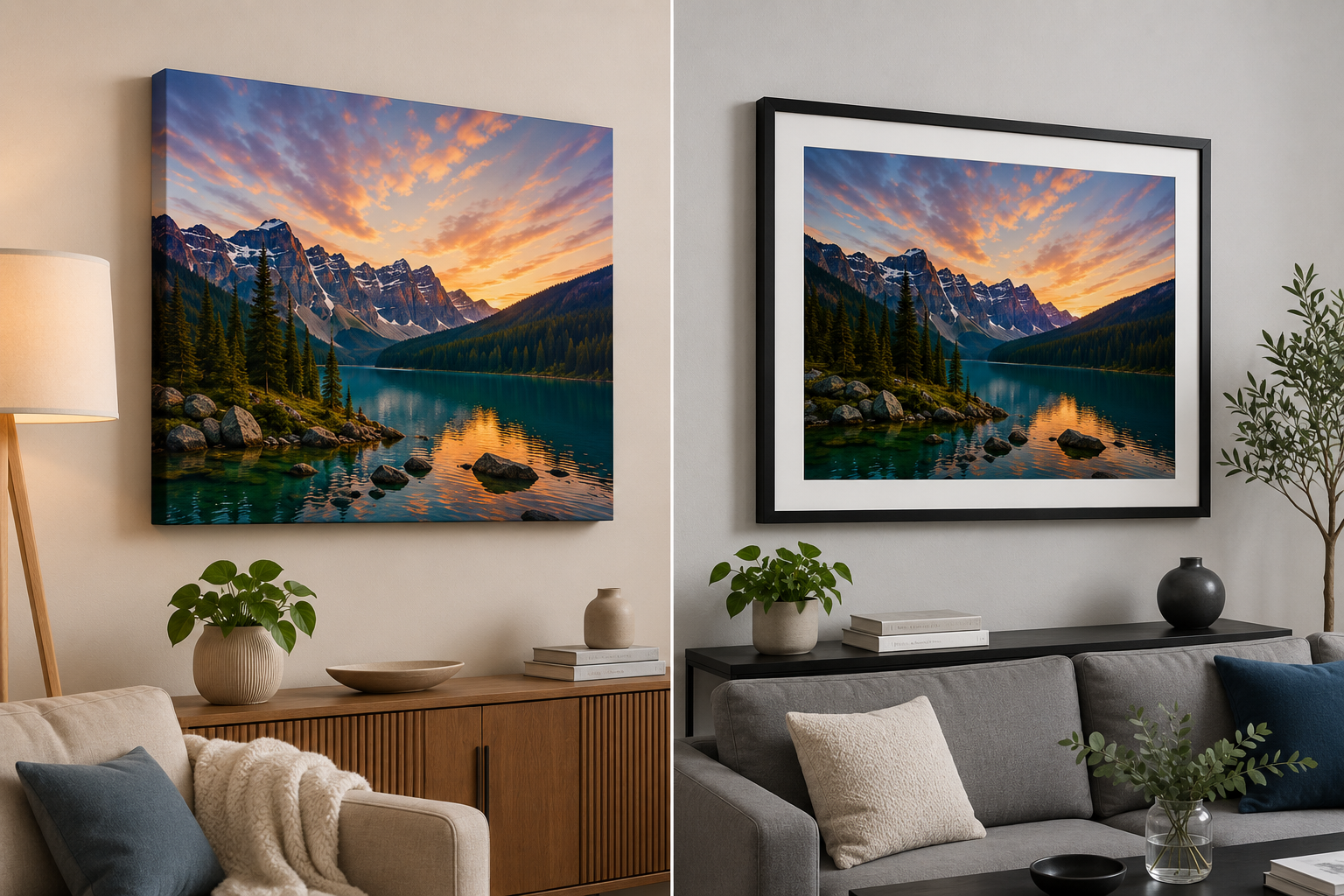
Glossy finishes increase color vibrancy and contrast but create glare under direct lighting. Matte coatings eliminate reflections but can appear slightly less vivid. Semi-gloss offers a middle ground.
Room lighting conditions should drive this decision. Spaces with windows opposite the hanging location or direct overhead lights benefit from matte finishes. Controlled lighting environments can handle glossy surfaces. CanvasChamp offers multiple finish options to match your specific display conditions.
Environmental and Placement Oversights
Your canvas print's longevity depends heavily on where and how you display it. Environmental factors cause more damage than most people realize.
Exposing Prints to Direct Sunlight and Humidity
UV radiation fades pigments over time, even with protective coatings. South-facing walls with direct sun exposure can noticeably degrade prints within a few years. Bathrooms and kitchens with high humidity cause canvas to sag and inks to deteriorate.
Hang canvas prints on walls that receive indirect light. If direct sunlight is unavoidable, UV-protective glass frames offer an alternative to traditional gallery-wrapped presentations. Keep humidity levels below 55% in display areas.
Mismatching Print Size to Wall Space
A 16x20 print on a large empty wall looks like an afterthought. An oversized canvas in a cramped space overwhelms the room. The relationship between print size and wall dimensions affects visual impact dramatically.
Measure your wall space and use painter's tape to mark potential print dimensions before ordering. The general guideline suggests canvas should occupy 60-75% of the available wall width above furniture. Groupings of smaller prints can fill large spaces more effectively than a single undersized piece.
Frequently Asked Questions
What resolution do I need for a large canvas print?
Aim for 150–300 pixels per inch at your final print size. For a 24x36 inch canvas, that means at least 3600x5400 pixels, or roughly 19–20 megapixels.
Can I print Instagram photos on canvas?
Instagram compresses images significantly. The maximum resolution of 1440x1440 pixels (as of 2026) limits you to small prints, typically 10x10 inches or smaller, for acceptable quality.
How do I prevent my canvas from fading?
Display prints away from direct sunlight, maintain moderate humidity levels, and choose UV-protective coatings when available. Quality inks and materials also resist fading longer.
What's the difference between a gallery wrap and a standard wrap?
Gallery wrap features thicker stretcher bars, typically 1.5 inches versus 0.75 inches, creating a more substantial profile that looks impressive without framing.
Ready to create canvas prints that truly showcase your photographs?
Explore the customization options at CanvasChamp, where premium quality meets affordable pricing with their satisfaction guarantee. Start creating today and transform your favorite memories into wall art that lasts.
Final Review and Maintenance Guidelines
Before clicking that order button, run through a final checklist. Verify that the image resolution meets the requirements for your selected size. Confirm the crop preview shows exactly what you want visible. Double-check wrap style and depth selections.
After receiving your print, inspect it immediately for any defects or damage. Quality providers like CanvasChamp back their products with satisfaction guarantees, but reporting issues promptly ensures quick resolution.
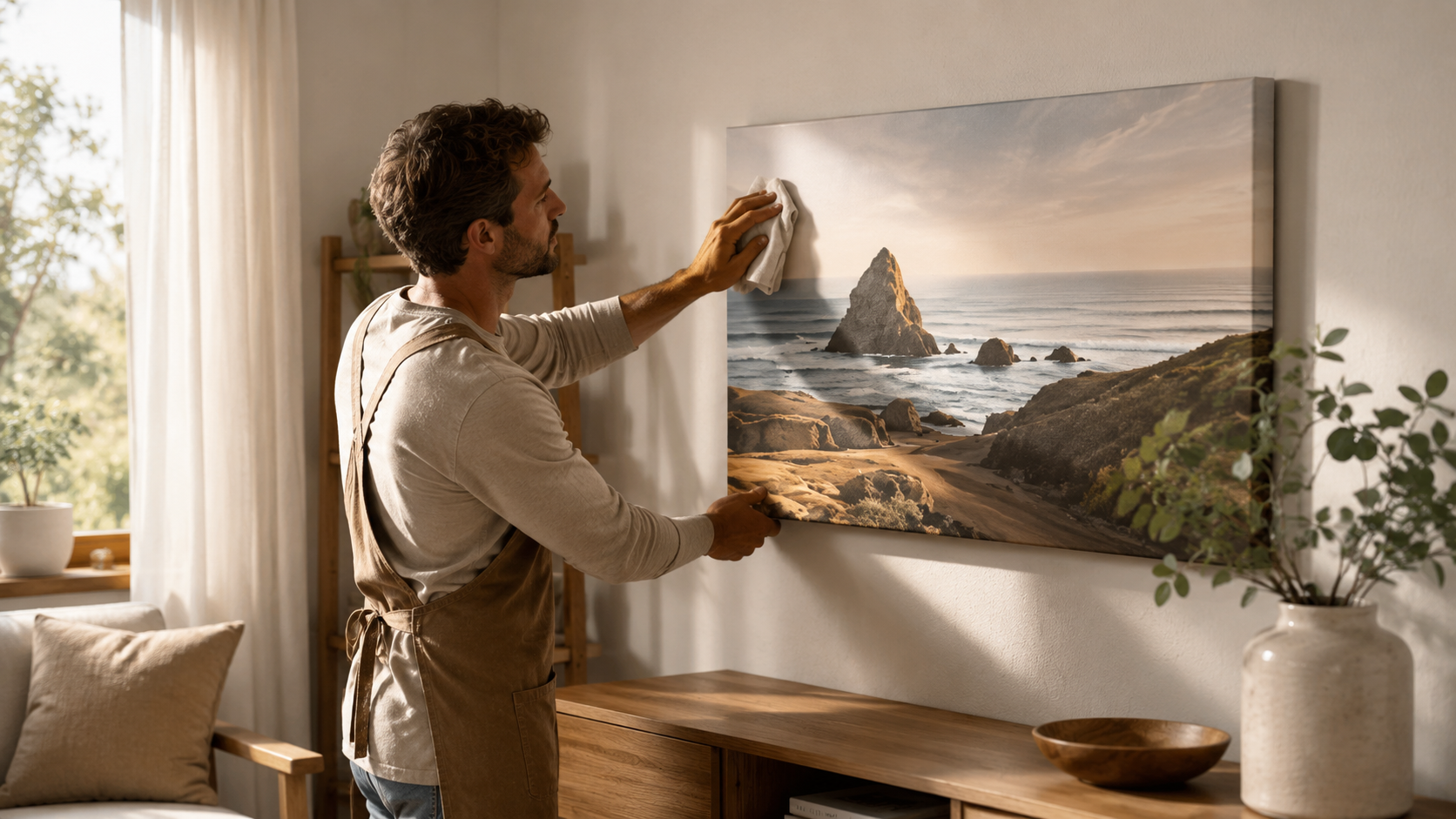
Maintaining your canvas requires minimal effort. Dust occasionally with a soft, dry cloth. Avoid cleaning products, water, or abrasive materials. Properly cared for, quality canvas prints last over 50 years without significant fading or deterioration.