Free Shipping
 Extra Savings


How To Print On Canvas: An Incredibly Easy Method That Works For All
Listen to Content
Canvas has long been loved for showcasing art, paintings, and creative designs. Today, it serves another purpose that matters even more—preserving memories. Family photos, travel clicks, scenic landscapes, and special moments look richer and more personal when printed on canvas.
With modern online printing tools, turning digital photos into canvas or photo prints no longer requires professional equipment or technical skills. Everything can be done from home in just a few steps.
Before diving into the process, let’s understand how photo printing has changed and why refined digital printing makes a real difference.
Traditional vs Digital Photo Printing on Canvas
Earlier, printing photos on canvas involved manual techniques such as:
- Rustic transfers for black and white or sepia photos
- Clean transfers for color images
These methods could produce beautiful results, but they demanded time, tools, and experience. That made them impractical for everyday users.
Digital printing changed everything.
Refined digital printing allows photos to be printed directly onto premium canvas fabric with sharp detail, accurate colors, and consistent quality. This same technology is also used for high-quality photo prints, making it easier to choose between canvas and paper prints based on how you plan to display your photos.
If you’re unsure which finish works better for your photos, this comparison guide is helpful: Glossy vs Matte Photo Prints
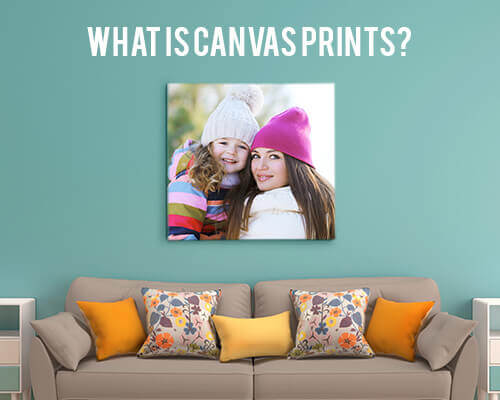
What Is a Canvas Print?
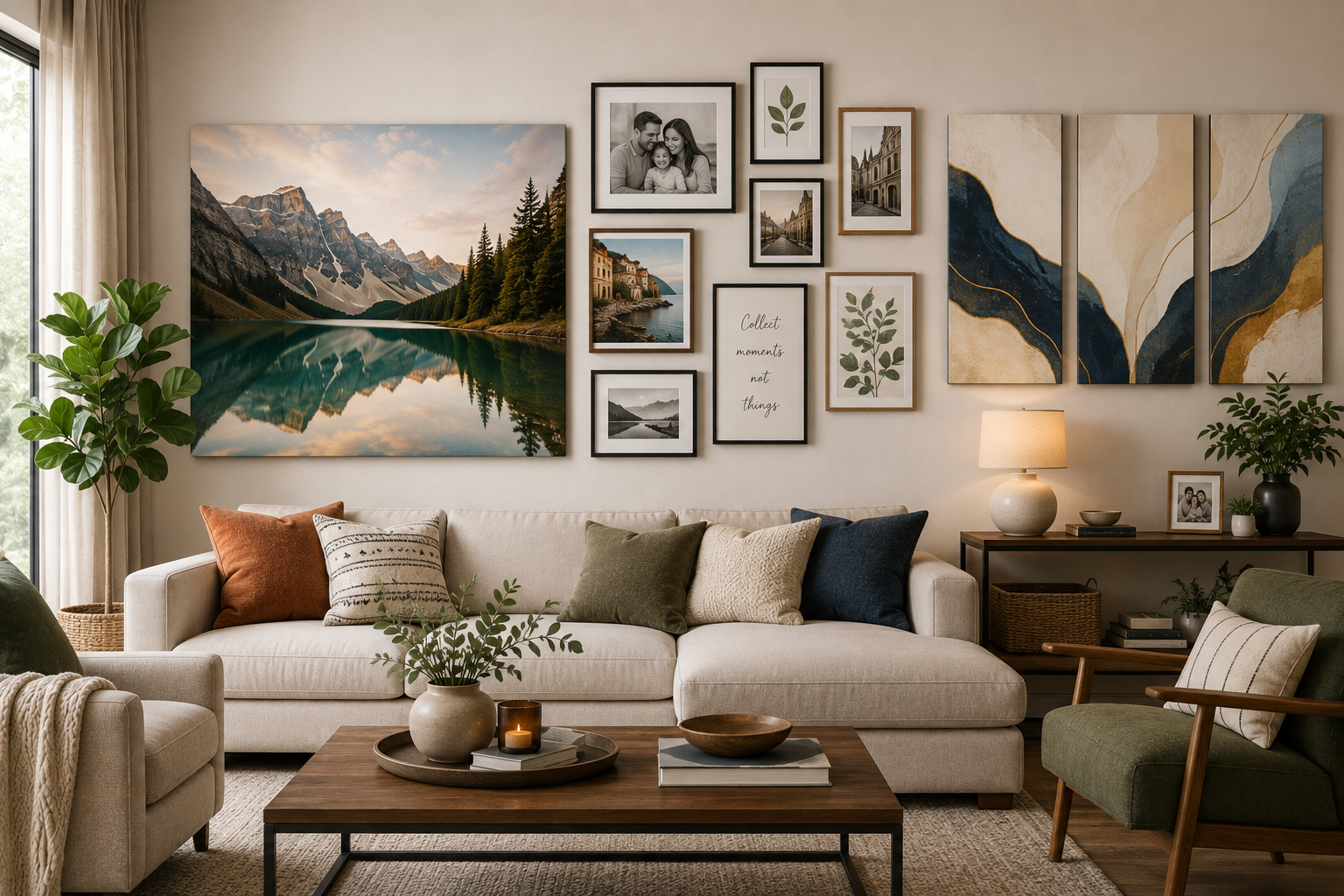
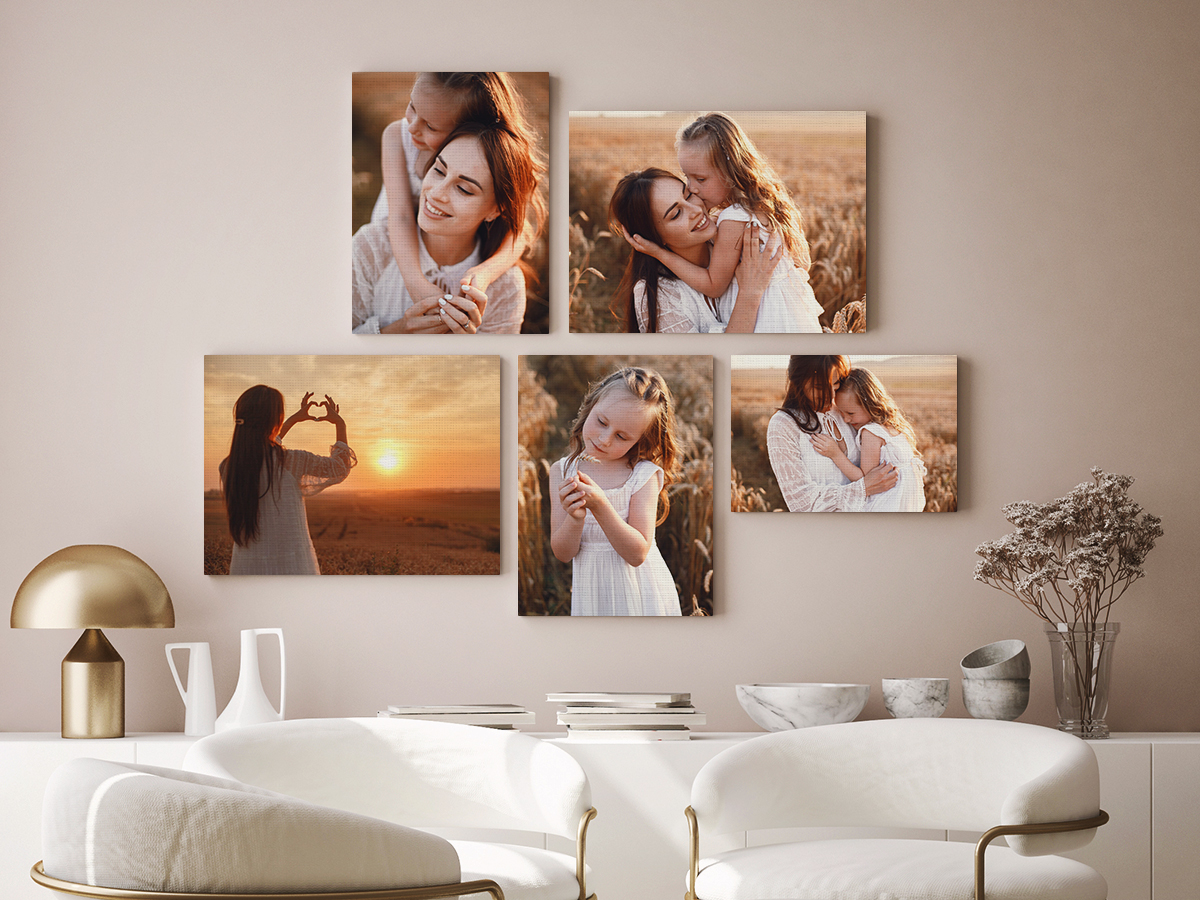
A canvas print combines advanced digital printing with durable canvas material. The result is a textured, gallery-style display that works well for:
- Personal memories
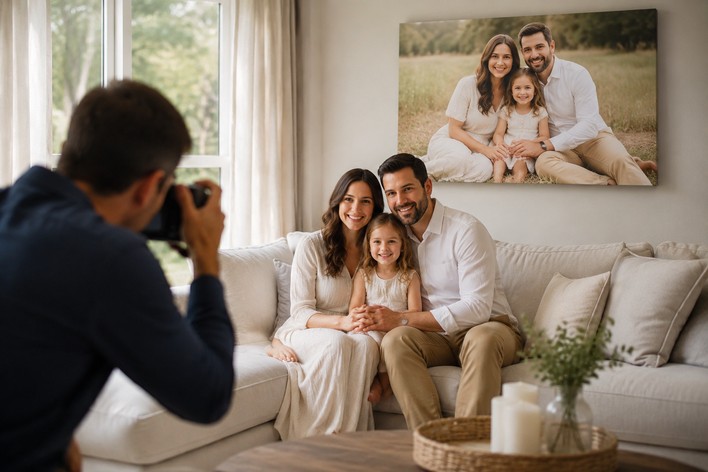
- Family portraits
- Travel photography
- Quotes and typography
- Nature and cityscapes
Canvas prints offer a soft, artistic look. Photo prints, on the other hand, are perfect when you want crisp detail, vibrant colors, and flexible framing options.
If you want a deeper look at dimensional photo styles, you can also explore: Transform Your Photos into 3D Photo Prints
Can You Print Photos on Canvas at Home?
Yes. Online platforms now make it simple to design and order canvas prints or photo prints without stepping outside.
CanvasChamp offers an easy-to-use design tool that lets you upload photos, adjust layouts, choose finishes, and preview the final result before placing your order. The same process applies whether you’re creating canvas photo prints or classic photo prints for albums, frames, or gifting.
All prints are produced using professional printing technology and finished with protective coatings for long-lasting color and durability.
How to Print Pictures on Canvas Online: Step-by-Step
Step 1: Choose Your Print Style
Start by selecting how you want your memories displayed. CanvasChamp offers several layout options, including:
- Canvas Prints
- Canvas Wall Displays
- Photo Collages
- Split Canvas Designs
- Hexagon Prints
- Photo Mosaics
- Quotes and Word Art
- Digital Painting Effects
If you prefer a cleaner, frame-ready look, you can also opt for photo prints in various finishes and sizes.
Step 2: Upload Your Photo
Upload your chosen image directly from your phone, laptop, computer, or cloud storage. Common formats like JPG, PNG, BMP, and JPEG are supported.
Once uploaded, simply drag and position the image within the design area. This same upload process works for both canvas prints and photo prints, giving you flexibility based on your display plan.
Step 3: Select the Right Size
Choose a size that suits your space:
- Small: 11 × 17 inches
- Medium: 22 × 34 inches
- Large: 33 × 51 inches
Custom sizes are also available, making it easy to create large wall art or compact photo prints for shelves and desks.
Step 4: Pick Wrap, Border, and Frame Options
Canvas prints allow you to customize the overall finish using options such as:
- Thin gallery wrap
- Thick gallery wrap
- Rolled canvas
- Hanging canvas
You can also enhance the design with border and frame choices, including classic, modern, and metallic styles. These details help your print blend naturally with your home decor.
Step 5: Add Hardware and Filters
Complete your print by choosing display hardware like:
- Hanging kits
- Sawtooth hangers
- Easel stands
- Dust back covers
You can also apply filters to adjust the mood of your photo. Options range from basic color corrections to artistic effects inspired by pop art and digital illustrations.
Step 6: Preview and Confirm
Before checkout, review the full preview of your design. This is your final chance to make changes to size, layout, or finish.
Once approved, a digital proof is sent to your email. After confirmation, your custom canvas or photo print goes into production and is delivered straight to your door.
Canvas Prints or Photo Prints: Which Should You Choose?
- Canvas prints work best for wall decor, statement pieces, and artistic displays
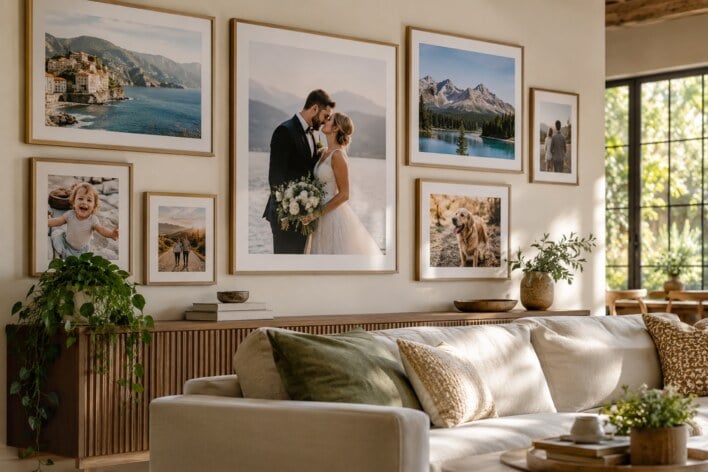
- Photo prints are ideal for frames, albums, gifting, and detailed photography
Many customers mix both to create a balanced display across their home.
More Personalized Photo Products to Explore
Along with canvas and photo prints, CanvasChamp also offers:
These products pair well with printed photos and help extend memories beyond the wall.
Ready to Turn Photos into Prints?
Now that you know how easy it is to print photos on canvas or paper, your next favorite memory is just a few clicks away. Choose the format that fits your space, personalize it online, and enjoy professional-quality photo prints delivered to your home.
Your memories deserve more than a screen.