Free Shipping
 Extra Savings


Best Photos for Canvas Prints: Resolution, Composition & Expert Tips for Stunning Results
Listen to Content
Not every photo looks great when printed on canvas. Some images turn out soft, pixelated, or poorly framed. If you want your canvas photo prints to look sharp and visually appealing, choosing the right image is just as important as the printing itself.
This guide explains how to pick the best photos for canvas prints, focusing on resolution, composition, and practical tips to get high-quality results every time.
Why Photo Selection Matters for Canvas Prints
Canvas printing is different from standard photo printing. The texture of the canvas, the size of the print, and the way it wraps around the frame all affect how your image appears.
A low-quality image might look fine on your phone but can lose detail when enlarged into canvas wall art. That’s why understanding image resolution and composition is essential before ordering custom canvas prints.
Understanding Resolution for Canvas Prints
Resolution refers to the amount of detail in your image. It determines how sharp your photo on canvas will look when printed.
What resolution do you need?
For best results:
- Aim for at least 150 to 300 DPI (dots per inch)
- Higher resolution is better for large canvas sizes
- Use original images instead of compressed or downloaded versions
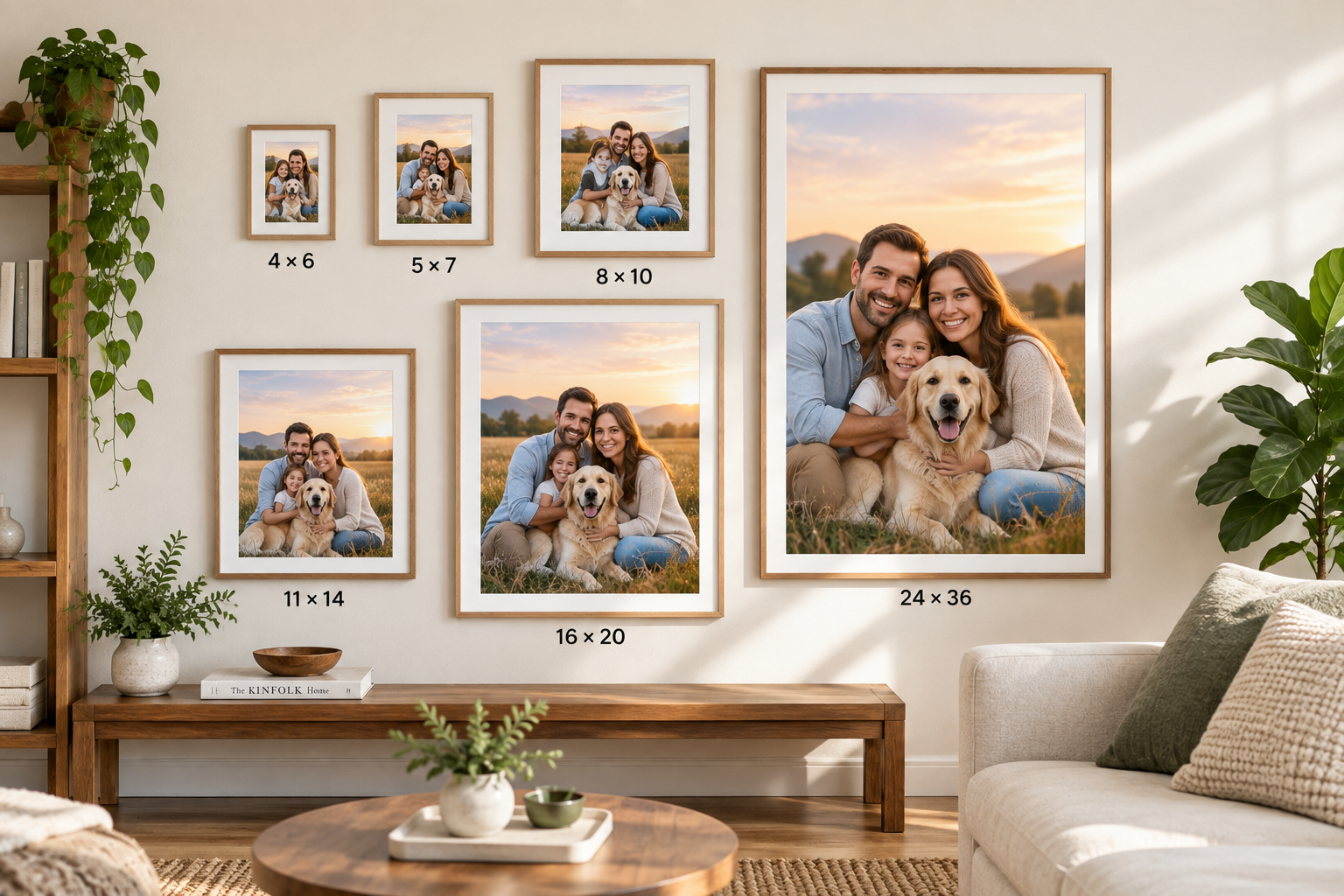
Quick guideline for canvas print sizes:
- Small prints (8x10, 12x16): Medium resolution works fine
- Medium prints (16x20, 18x24): High resolution recommended
- Large prints (24x36 and above): Very high resolution required
If your image is too small, it may appear blurry or pixelated when stretched across a larger canvas.
How to Check If Your Photo Is Good Enough
Before uploading your image for canvas picture prints, check:
- File size (larger is usually better)
- Image dimensions (measured in pixels)
- Zoom in to 100% — if it looks sharp, it’s print-ready
Avoid screenshots, social media downloads, or heavily edited images, as they often lose quality.
Composition Tips for Better Canvas Prints
Resolution alone isn’t enough. The way your photo is framed and balanced plays a huge role in how it looks as wall art.
1. Focus on a Clear Subject
Your image should have a strong focal point. Whether it’s a person, landscape, or object, the subject should stand out clearly.
Busy or cluttered photos can look overwhelming when turned into canvas prints.
2. Mind the Edges
Canvas prints wrap around a frame, which means parts of your image may extend to the sides.
- Keep important elements away from the edges
- Avoid placing faces or text too close to borders
- Leave space for wrapping
This ensures nothing important gets lost during production.
3. Use the Rule of Thirds
This simple photography principle improves balance.
Imagine dividing your image into a 3x3 grid. Place your subject along the lines or at intersections instead of the center.
This creates a more natural and visually pleasing composition for canvas wall decor.
4. Choose the Right Orientation
Think about where your canvas will be displayed.
- Vertical images work well for portraits
- Horizontal images suit landscapes and wide scenes
- Square formats are great for social media photos
Matching the orientation with your wall space improves the overall look.
Best Types of Photos for Canvas Prints
Some photos naturally look better on canvas due to texture and scale.
Family and Portrait Photos
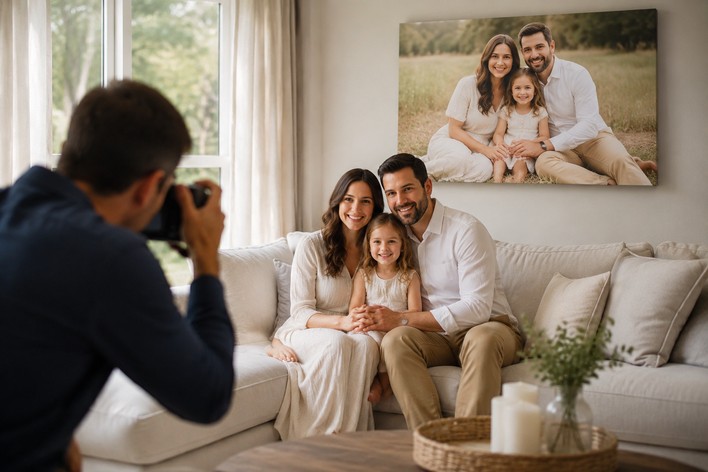
Emotional and personal images work beautifully as custom canvas prints. Soft tones and natural lighting enhance the canvas effect.
Landscape and Travel Photos
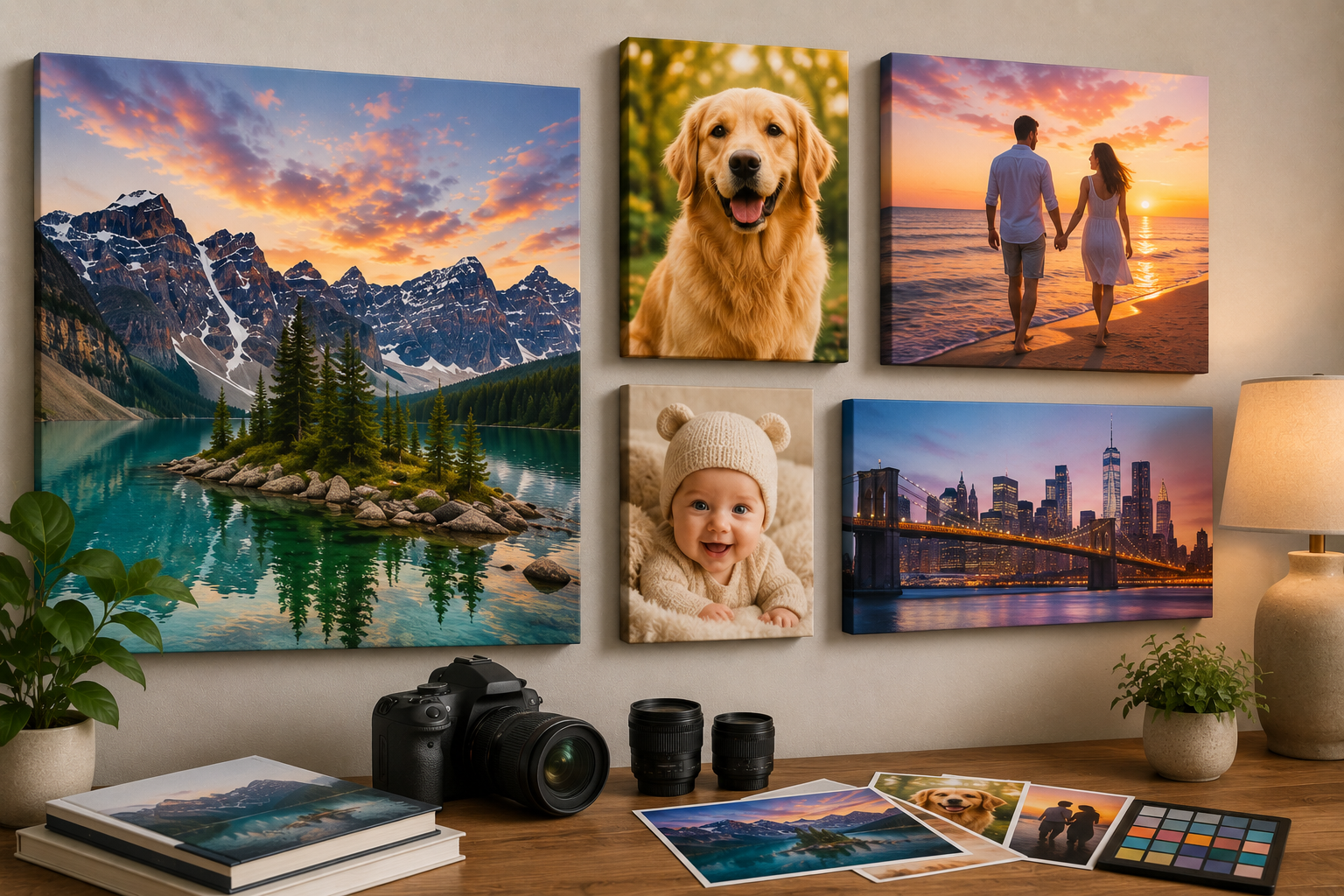
Wide scenes with depth and color look stunning as large canvas pictures. Mountains, beaches, and cityscapes are popular choices.
Black and White Photography
Monochrome images create a timeless and elegant look. Canvas texture adds depth to black and white prints.
Abstract and Artistic Images
Bold colors and patterns translate well onto canvas, making them perfect for modern interiors.
Photos That May Not Work Well
Some images are not ideal for canvas printing:
- Low-resolution or blurry photos
- Images with heavy filters or compression
- Photos with too many small details
- Dark images with poor lighting
These can lose clarity or appear flat when printed.
Lighting and Color Considerations
Good lighting makes a big difference in how your canvas photo prints turn out.
- Natural light produces softer, more realistic tones
- Avoid overexposed or underexposed images
- Bright colors tend to look more vibrant on canvas
Keep in mind that canvas has a matte finish, so colors may appear slightly less glossy than photo paper prints.
Editing Tips Before Printing
Before uploading your image:
- Adjust brightness and contrast
- Sharpen slightly if needed
- Crop for better framing
- Remove unwanted distractions
Simple edits can improve the final result without overprocessing the image.
Choosing the Right Size for Your Photo
Not every photo works for every size.
A small image stretched into a large canvas print can lose quality. Always match your image resolution with your desired print size.
If you're unsure, it’s better to choose a smaller size or use a higher-quality image.
Need Help Getting the Perfect Canvas Print?
Selecting the right photo is just one part of the process. Size, layout, and edge style also affect the final outcome.
For a complete step-by-step approach, explore our canvas print buying guide. It helps you choose the right format, size, and style to create stunning canvas photo prints for your space.
Final Thoughts
The best photos for canvas prints combine high resolution with strong composition. A clear subject, proper spacing, and good lighting can turn a simple photo into eye-catching wall art.
Take a few minutes to review your image before printing. The right choice will make your canvas wall art look sharp, balanced, and worth displaying for years.